- Marketplace
- Artificial Intelligence
- QuillBot
description
Need to elevate your writing — fast?
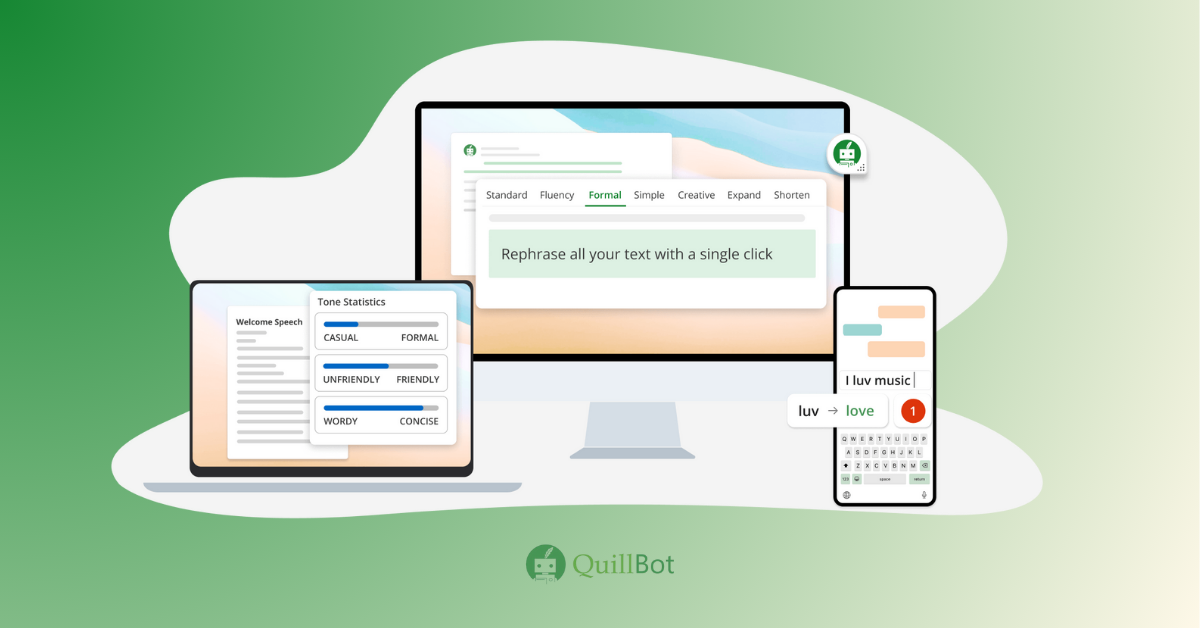
QuillBot is the AI writing assistant that transforms your text with tools like paraphrasing, summarization, grammar checking, vocabulary enhancement, and more — right within your workflow, making QuillBot a must-use tool for anyone seeking polished, efficient communication.
Why KonexusHub recommends QuillBot?
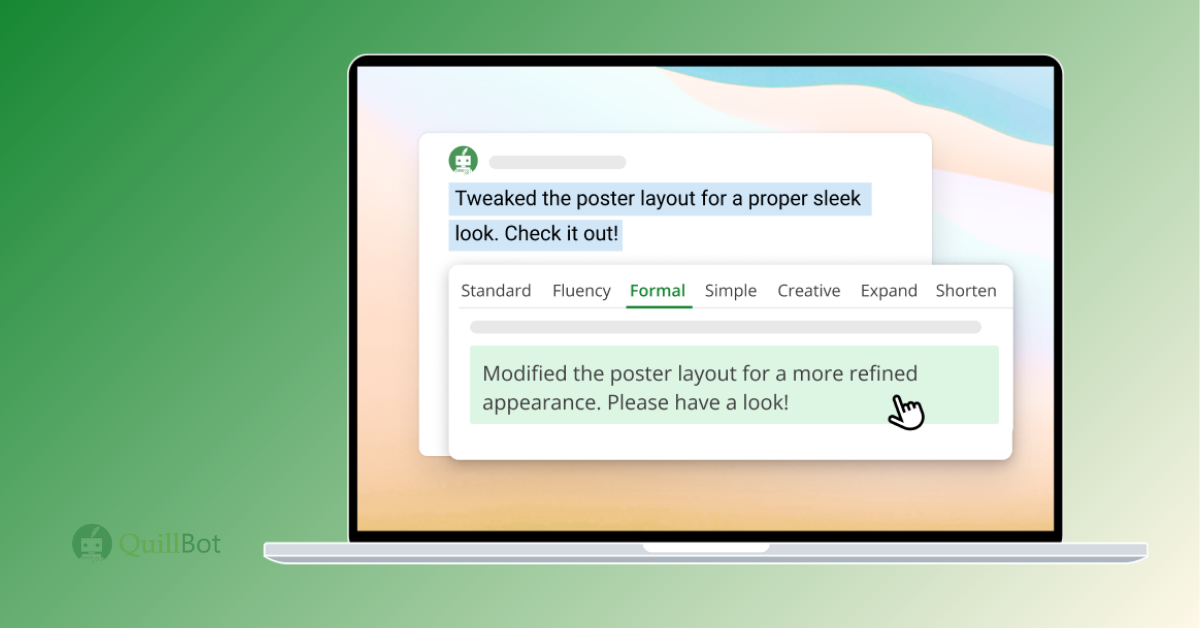
At KonexusHub, we recommend QuillBot because it solves the universal challenge of clarity: whether refining complex ideas or ensuring grammatical perfection, QuillBot streamlines writing with intelligent features like tone adjustment, plagiarism and AI detection, summarization, and vocabulary enhancement — all in one suite.
Who it's ideal for ?
How it compares to others solutions ?
Unlike single-purpose tools, QuillBot offers an all-in-one writing enhancement platform — covering paraphrasing, grammar, AI detection, summarization, citation, translation, and more — positioning itself as a versatile alternative to tools that only focus on grammar, long-form generation, or SEO optimization.
Key benefits
01 /
Reword sentences and paragraphs effortlessly while maintaining the original meaning, ideal for simplifying complex ideas or avoiding plagiarism.
02 /
Identify and correct grammatical errors and typos for polished, professional writing.
03 /
Condense long texts into concise summaries, saving time while retaining key information.
04 /
Improve word choice with suggestions that elevate your writing style and tone.
05 /
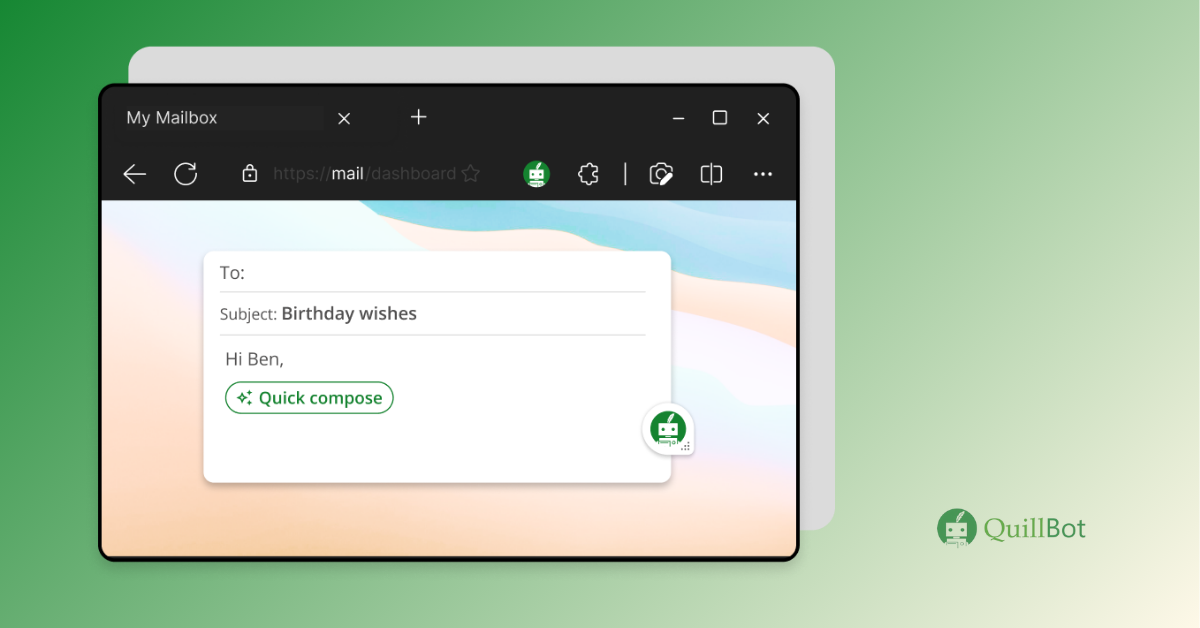
Use QuillBot directly in browsers or integrate it with platforms like Google Docs for a seamless writing experience.
🔍 Similar Tools Comparison
✅ QuillBot
ProWritingAid
Grammarly
Best For
Multi-use writing — students, pros
In-depth style analysis, authors
Grammar & tone optimization
Key Features
Paraphrase (9 modes), Grammar, Summarizer, AI Detector, Citation, Translation
Grammar, style reports, story feedback, author comparison
Grammar review, tone detection, writing suggestions, plagiarism (premium)
Pricing
Free (limited) / Premium (monthly, semi-annual, annual)
Paid (various tiers)
Free / Premium tiers
Free Plan?
✅ Yes
Yes (limited)
Yes
Integrations
Chrome, Word, Google Docs, macOS integrations
Word, Google Docs, Scrivener, etc.
Browser, Word, Outlook integrations
KonexusHub Verdict
Strongest for all-around writing enhancement; high usability across roles
Excellent for deep editing and narrative work, but less focused on paraphrase
Superb for grammar & tone, yet lacks comprehensive paraphrasing modes
QuillBot Pros & Cons: Is It the Right Fit for Your Team?
To help you weigh your options, here’s a transparent look at QuillBot’s strengths and areas for improvement — because balanced insights not only build credibility but also help users make better decisions.
✅ Pros
❌ Cons
Learn More about Quillbot
Frequently Asked Questions about QuillBot
01 What is QuillBot and how does it improve writing clarity?
QuillBot is an AI writing assistant equipped with tools like paraphraser, grammar checker, AI detector, summarizer, translator, and citation generator — designed to enhance clarity, fluency, and professionalism across writing types.
02 How many paraphrasing modes does QuillBot offer — and what’s available on the free plan?
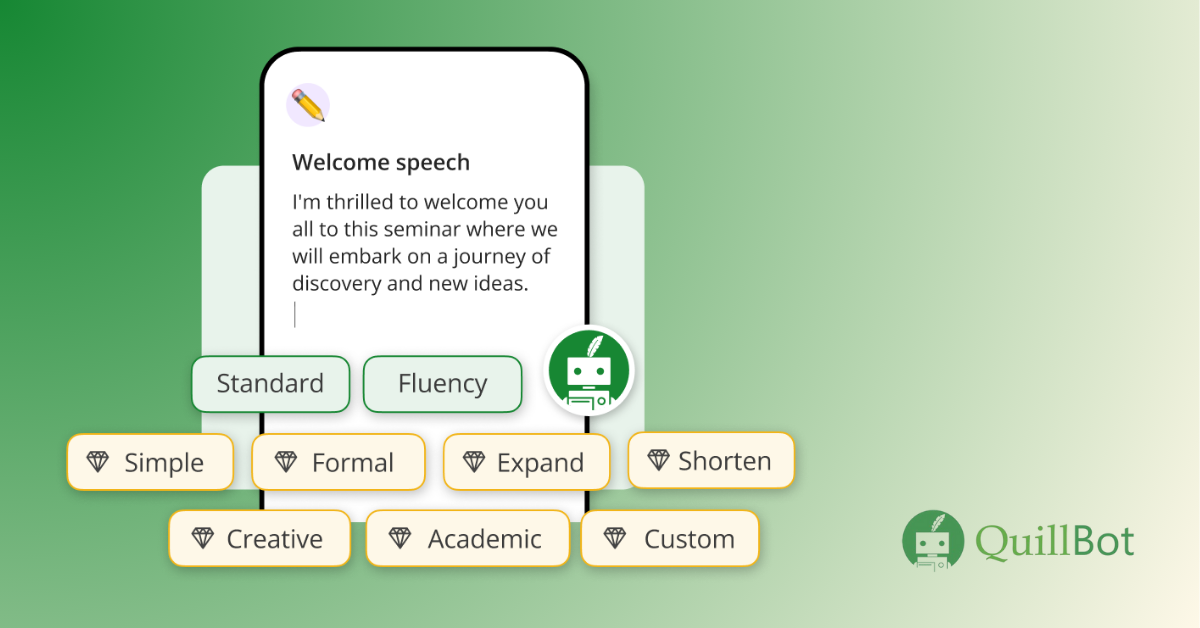
QuillBot offers up to 9 paraphrasing modes (e.g., Creative, Formal, Humanize). The free plan includes only Standard and Fluency modes with a 125-word limit; full modes unlock in Premium.
03 What limitations does the free version of QuillBot have?
Free users face a 125-word paraphrase limit, basic modes only, summarizer caps (1,200 – 2,500 words depending on source), and restricted access to tools like plagiarism checking.
04 Can QuillBot check for plagiarism or detect AI content?
Yes — QuillBot includes a plagiarism checker and an AI Detector, but both require a Premium subscription for full access, and results should still be reviewed manually for accuracy.
05 What integrations does QuillBot support for seamless writing?
QuillBot integrates via browser extensions, add-ons for Google Docs and Microsoft Word, and a macOS app for use in Slack, Notes, and messaging platforms.
06 Is QuillBot affordable and what pricing options are available?
QuillBot offers flexible pricing — monthly (~$19) and annual (~$99) plans — with Premium unlocking full features. Free plan available with limits.
KonexusHub Verdict 🎯
QuillBot empowers writers with an all-in-one toolkit — its feature-rich, intuitive platform delivers fast, polished results, making it ideal for anyone who values clarity, efficiency, and writing control.
🧭 Final Assessment
• Versatile paraphrasing modes
Tailor tone and style from Casual to Academic.
• Comprehensive toolset
Grammar, summarization, citation, translation, and AI detection in one place.
• Smooth integrations
Use it seamlessly across browsers, Word, Docs, and desktop apps.
• Accessible pricing
Free tier with useful tools; Premium scales affordably for heavy usage.
• User-friendly
Great UI that suits both students and seasoned professionals.